Claude Code Channels 完整教學 — 讓 Telegram、Discord 直接推訊息進你的終端機
CI pipeline 掛了。以前的流程:收到 Slack 通知 → 打開筆電 → 開終端機 → 跑 Claude Code → 找問題 → 修。現在?Telegram 一響,訊息直接灌進你正在跑的 Claude Code session,Claude 自己去讀 log、找原因、甚至幫你改 code。你不用打開筆電,甚至不用離開 Telegram。
這就是 Channels。
Channel 不是 MCP,也不是 Remote Control
先釐清定位。Claude Code 現在有一堆「讓你不在電腦前也能操作」的方式,很容易搞混。
MCP Server 是被動的——Claude 需要的時候去問它,它不會主動推東西過來。Remote Control 是你自己在手機上操作正在跑的 session。Channels 是事件驅動的——外面有事情發生(Telegram 訊息、CI webhook、Discord 訊息),主動推進你的 session,Claude 自動反應。
| 方式 | 方向 | 觸發者 |
|---|---|---|
| MCP Server | Claude 主動查詢 | Claude |
| Remote Control | 你從手機操作 | 你 |
| Channels | 外部事件推進 session | 外部系統 |
Channel 填的是那個「外部系統主動找 Claude」的空缺。
三個內建平台:Telegram、Discord、iMessage
研究預覽階段支援三個平台,全部以 plugin 形式安裝。需要先裝好 Bun(bun --version 確認)。
Telegram 設定
五步完成:
1. 建 Bot: 到 Telegram 找 @BotFather,送 /newbot,取個名字,拿到 token。
2. 裝 Plugin:
1 | /plugin install telegram@claude-plugins-official |
3. 設定 Token:
1 | /telegram:configure <你的 token> |
4. 帶 Channel 重啟 Claude Code:
1 | claude --channels plugin:telegram@claude-plugins-official |
5. 配對帳號: 打開 Telegram,隨便發一句話給你的 Bot。Bot 會回你一組配對碼。回到 Claude Code:
1 | /telegram:access pair <配對碼> |
最後一行很重要——設成 allowlist 確保只有你的帳號能推訊息進來。不然就是一個 prompt injection 的入口。
Discord 設定
流程差不多,多了 Bot 權限設定:
- 到 Discord Developer Portal 建 App → 建 Bot → 拿 Token
- 開啟 Message Content Intent(在 Privileged Gateway Intents 裡面)
- OAuth2 → URL Generator → 選
botscope → 勾 View Channels / Send Messages / Read Message History 等權限 → 生成 URL → 邀請 Bot 進 server - Claude Code 裡裝 plugin、設定 token、帶
--channels重啟 - DM 你的 Bot 配對
1 | /plugin install discord@claude-plugins-official |
1 | claude --channels plugin:discord@claude-plugins-official |
iMessage(macOS 限定)
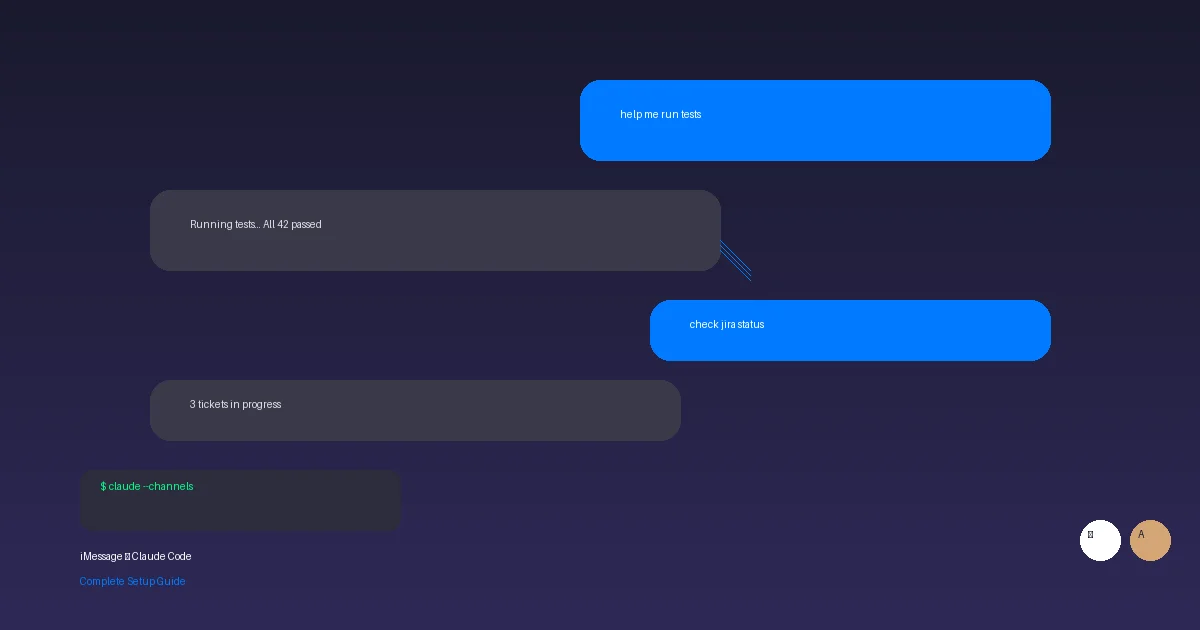
iMessage 最特別——不需要 Bot token,直接讀你 Mac 上的 Messages 資料庫。
1 | /plugin install imessage@claude-plugins-official |
1 | claude --channels plugin:imessage@claude-plugins-official |
第一次跑的時候 macOS 會跳 Full Disk Access 權限提示,按 Allow。然後傳一則 iMessage 給自己——self-chat 直接通過,不需要配對。要讓別人也能推訊息進來:
1 | /imessage:access allow +886912345678 |
雙向通訊——Claude 會回你
Channel 不只是單向推。Telegram、Discord、iMessage 都是雙向的:你在聊天 app 裡問問題,Claude 在你的本機 session 裡處理,結果回到聊天 app 裡面。
要注意的是:Claude 的回覆不會出現在終端機裡。終端機只會顯示 tool call 和確認(像 “sent”),實際的回覆文字出現在 Telegram / Discord / iMessage 那邊。
自己建 Channel——Webhook 接收器範例
內建的三個平台不夠用?你可以自己寫。一個 Channel 本質上就是一個 MCP Server,加上 claude/channel capability。
最小可行的 webhook 接收器,一個檔案搞定:
1 |
|
.mcp.json 加一行:
1 | { |
測試(研究預覽階段自建的 channel 要加 flag):
1 | claude --dangerously-load-development-channels server:webhook |
另一個終端機:
1 | curl -X POST localhost:8788 -d "build failed on main: https://ci.example.com/run/1234" |
訊息就會出現在 Claude Code session 裡,包在 <channel> tag 裡面:
1 | <channel source="webhook" path="/" method="POST"> |
Claude 看到就會開始動作——讀檔案、跑指令、查 log,看你的 instructions 怎麼寫。
Permission Relay——手機上核准危險操作
Channel 還有一個進階功能:Permission Relay。Claude 要執行需要核准的操作(Bash、Write、Edit)時,除了本機終端機跳提示之外,也可以同時把提示推到你的聊天 app。
你在 Telegram 上回 yes abcde(後面是五個字母的 request ID),Claude Code 就會執行。本機和手機兩邊的提示同時開著,先回的那邊生效。
這對於無人值守的 session 特別有用——Claude 在背景跑,需要你核准的時候 Telegram 一響,手機上點一下就過了。
安全考量
Channel 的安全模型圍繞兩個關鍵:
Sender Allowlist:每個 channel 都有自己的允許清單。Telegram 和 Discord 用配對機制(Bot 回配對碼 → 你在 Claude Code 裡確認),iMessage 用手機號碼。不在清單上的訊息靜默丟棄。
Enterprise 控制:Team 和 Enterprise 方案預設關閉 channels。管理員需要在 admin settings 手動啟用 channelsEnabled,還可以用 allowedChannelPlugins 限制只能用哪些 channel 插件。
為什麼這麼嚴格?因為一個沒有 gate 的 channel 就是一個 prompt injection 入口。任何能送訊息到你 endpoint 的人,都能把文字塞進 Claude 的 context。Allowlist 不是建議,是必須。
限制
- Research Preview:功能和
--channels語法可能隨時改 - Session 要開著:channel 事件只在 session 開著的時候才能送達。想要 always-on,你得讓 Claude 跑在背景 process 或持久化的 terminal 裡
--channels必須明確指定:寫在.mcp.json裡不夠,還得在啟動時用--channels帶進來才會真的開始接收- 需要 claude.ai 認證:API key 和 Console 認證不支援
上次介紹了 Remote Control 讓你在手機上主動操作 session,這次的 Channels 是反過來——讓外部事件主動找上 Claude。兩個搭起來,一個處理「你想找 AI 的時候」,一個處理「AI 該找你的時候」。開發者的工作流裡,被動等通知然後手動去處理的那段流程,正在被事件驅動的 AI 自動化吃掉。
原文來源:Push events into a running session with channels - Claude Code Docs
原文來源:Channels reference - Claude Code Docs
參考來源:Claude Code in Action - Anthropic Academy



你的鼓勵將被轉換為我明天繼續加班的動力(真的)。 ❤️